Patient monitoring, data management, team collaboration :
EasyMedStat v.4.0 raises the bar for data monitoring. This new version combines performance, visibility, and simplicity at the heart of every study. Discover how v4.0
optimizes monitoring for much more effective clinical trials.
A redesigned "All Patients" dashboard
Completely redesigned, the “All Patients” page becomes THE centerpiece of your study management:
- Instant monitoring: View overall progress, the number of open queries, questionnaire progress, and monitoring status (signed, verified, locked) for each patient.
- Complete customization: Add or remove variables of interest, choose which categories and variables to display on the fly (e.g., visits, follow-up duration, etc.), and assign colors to better prioritize your patient records.
- A smooth user experience: Sort and highlight each column, scroll horizontally, and instantly save your display preferences.
See also
Smart and collaborative filters
Version 4 revolutionizes filter management for your clinical studies:
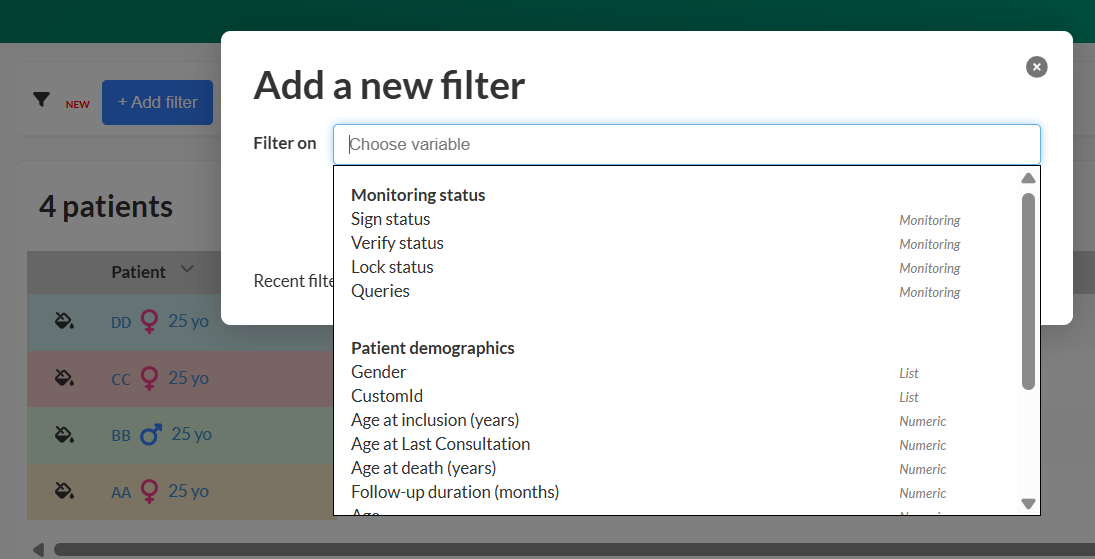
- Faster filter addition: it is now easier to select criteria from any view.
- Advanced monitoring filters: with one click, signed, unsigned, verified, or open query patients can be isolated.
- Intuitive numerical operators (<, ≥, ≤, >) for even more customized filters.
- Visual and shareable history: find your last 20 filters, save them for future use, share them more easily with your team, and optimize the consistency of your reviews.
New features for more efficient tracking and editing
- Use the “
Recalculate progress ” page to recalculate the progress of each patient record in real time.
- A
redesigned bulk update : more stable, faster, and accessible mass editing.
- Up to 6 decimal places for increased numerical precision on your custom variables.
- Create and share a selection of filters using the “Share with a colleague” option for
better collaboration.
Why EasyMedStat is a game changer ?
With
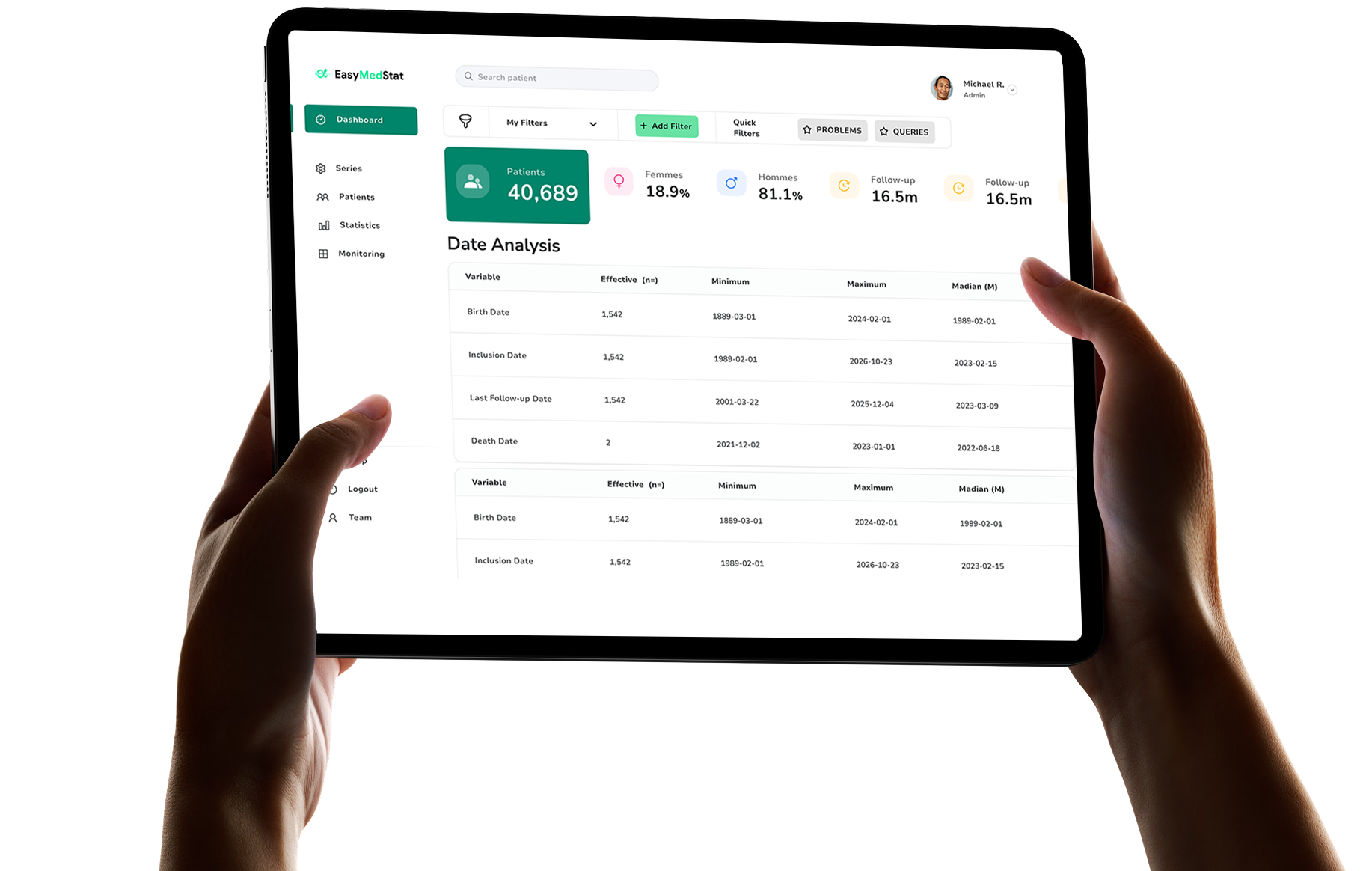
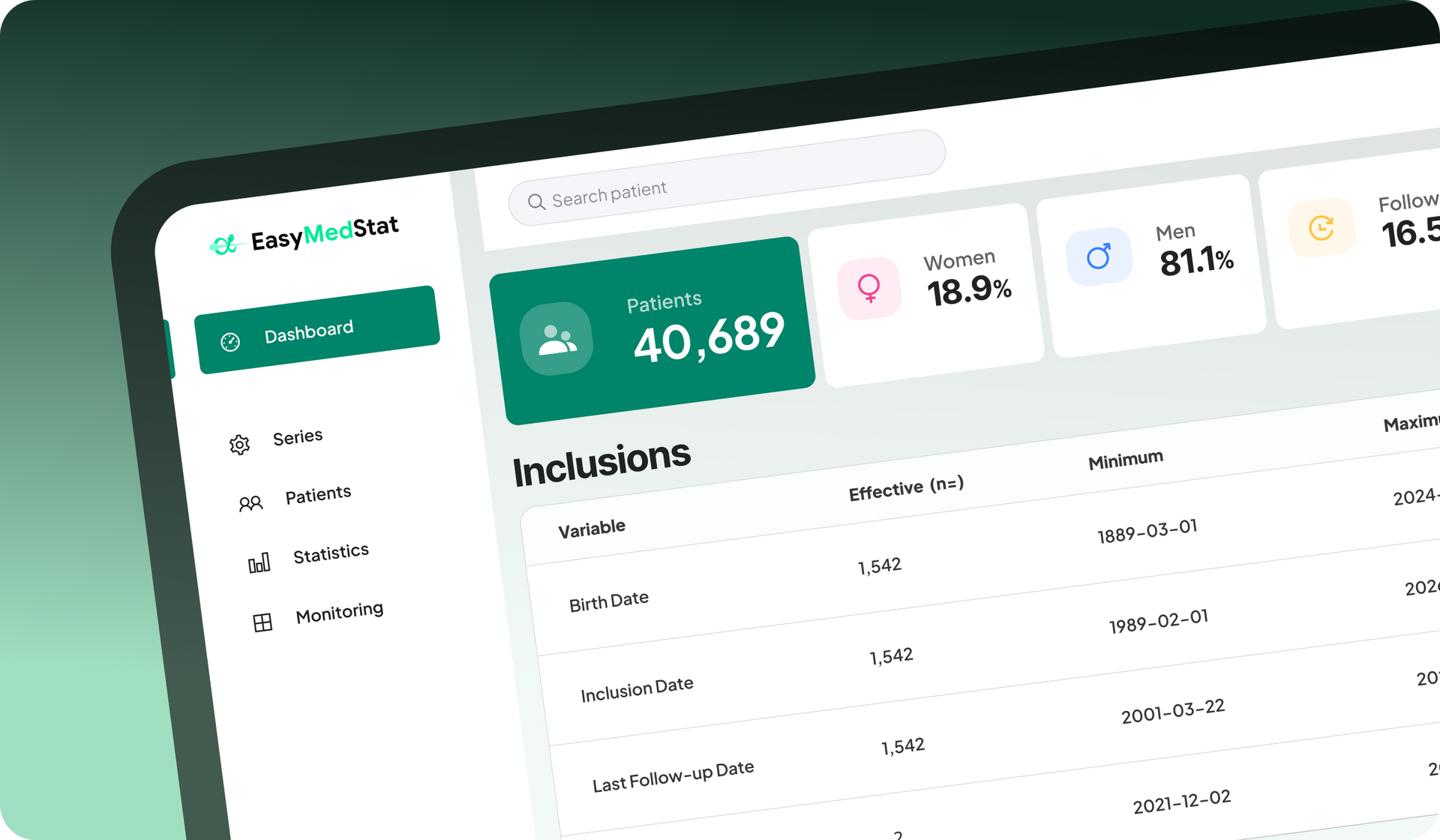
EasyMedStat 4 , clinical trial monitoring becomes truly centralized: each patient's progress is visible at a glance, without having to spend time reconstructing information from Excel exports.
Data tracking is more efficient thanks to a
simplified interface, powerful filters, and better information flow between team members, reducing errors and oversights.
It is quick to learn, even for non-technical users, optimizing clinical trial management and ensuring the reliability of final reports
without slowing down the process.
Learn more
If you want to make tracking easier, replace Excel with a tool designed for clinical trials and enjoy greater peace of mind about the quality of your data.
Book an appointment with us and let's explore together how
EasyMedStat 4 can be integrated into your projects.