February 18, 2025

New Feature: Sign, Verify, and Lock (SVL) by Variable or Category [Product Update 3.39]

What’s new?

Previously, you could only  Sign, Verify, or Lock (SVL) an entire patient form at once. Now, you have more flexibility! You can:


  • Sign, verify, or lock individual categories (e.g., a specific visit)
  • Sign, verify, or lock individual variables (e.g., a single data point)


This means monitors and researchers  no longer have to wait until the entire patient form is complete  to start validating data. You can now  review and confirm data as it becomes available !


Why is this useful?

  • Faster and more precise data validation  – Approve data progressively instead of waiting for the full patient form.
  • Better tracking and accountability  – Each signed, verified, or locked variable/category is timestamped and logged.
  • Stronger data integrity  – Lock critical data points or visits to prevent unintended changes.

How does it work?

 1️⃣  Enable SVL per Category or Variable


  • Go to Series Settings > Monitoring
  • Activate "Allow sign, verify, and lock for each category" or "Allow sign, verify, and lock for each variable"
  • These settings are OFF by default


 2️⃣  New Icons for Each Category & Variable


  • When enabled, you’ll see three new icons (Sign, Verify, Lock) on each category and variable.
  • Click an icon to sign, verify, or lock the corresponding data.


 3️⃣  Security & Audit Trail


  • A confirmation popup will appear when signing or verifying (not when locking).
  • You must enter your password to confirm.
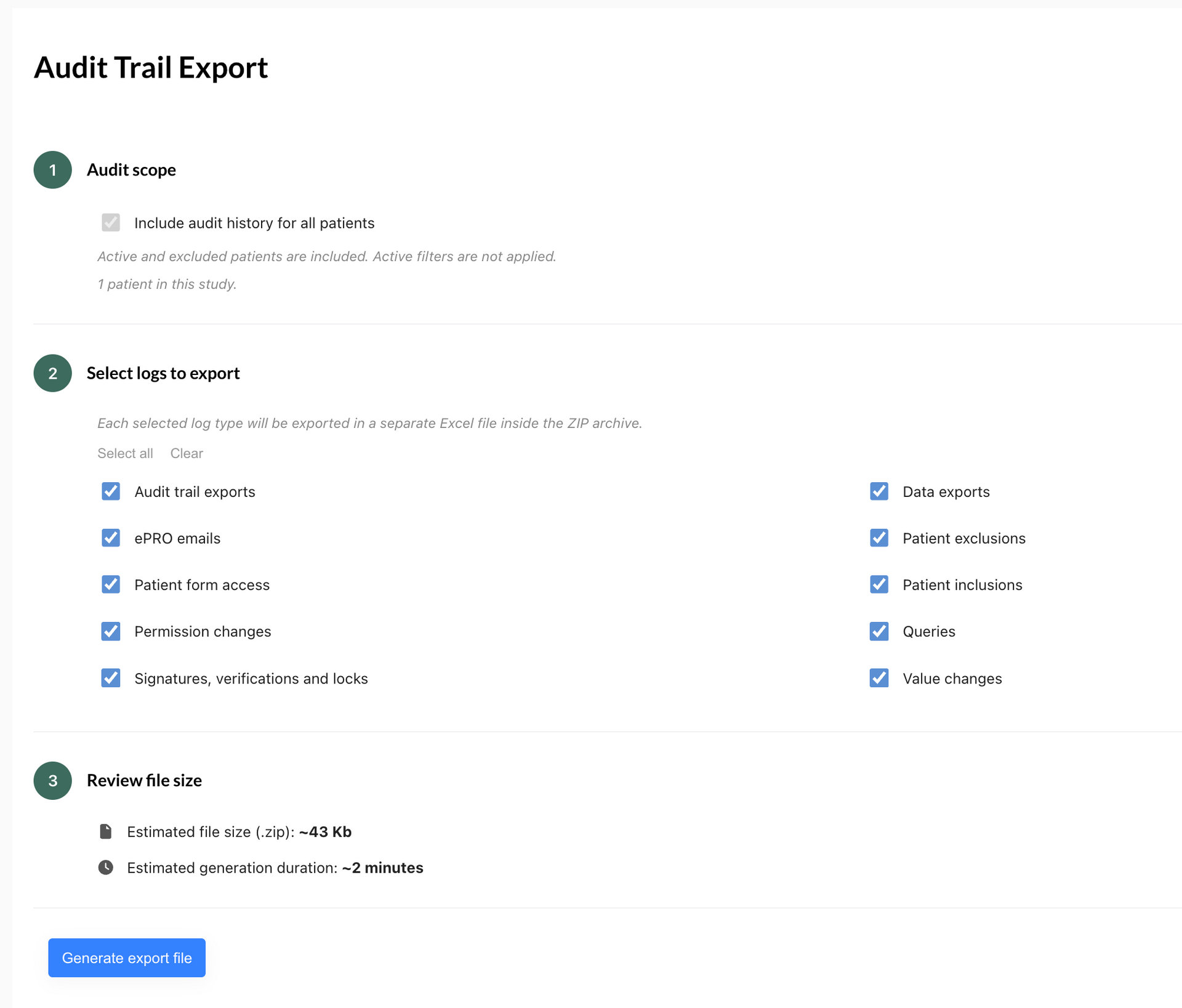
  • All actions are logged in the audit trail for full traceability.


 4️⃣  Permissions & Visibility


  • Only users with Sign, Verify, or Lock permissions can perform these actions.
  • All users with access to the patient form can see SVL statuses.


Important Notes

  • Locking a variable or category prevents changes via API and ePRO
  • Deleting and restoring a patient keeps SVL statuses intact
  • SVL for patients, categories, and variables are independent  (e.g., unlocking a patient won’t unlock a category or variable)

Who can use this feature?

  •  Available to all paid plans and free trials
  • Can be used in any study where SVL per category/variable is enabled


This feature makes data monitoring more efficient and structured, ensuring better compliance and reliability in clinical research!


docteur remplissant un ecrf
July 22, 2026
Découvrez ce qu'est l'eCRF, ce qui le différencie d'un EDC, ses avantages, ses réglementations (RGPD, ISO 14155, FDA 21 CFR Part 11) et comment bien le choisir.
electronic case report form
July 22, 2026
Discover what an eCRF is, how it differs from an EDC, its key features, regulatory requirements (GCP, FDA 21 CFR Part 11, GDPR), and how to choose one.
real time monitoring alerts
July 22, 2026
Discover EasyMedStat's Real Time Alerts: smart, customizable checks that catch data errors instantly and improve clinical trial data quality.
Show More
docteur remplissant un ecrf
July 22, 2026
Découvrez ce qu'est l'eCRF, ce qui le différencie d'un EDC, ses avantages, ses réglementations (RGPD, ISO 14155, FDA 21 CFR Part 11) et comment bien le choisir.
electronic case report form
July 22, 2026
Discover what an eCRF is, how it differs from an EDC, its key features, regulatory requirements (GCP, FDA 21 CFR Part 11, GDPR), and how to choose one.
real time monitoring alerts
July 22, 2026
Discover EasyMedStat's Real Time Alerts: smart, customizable checks that catch data errors instantly and improve clinical trial data quality.
Show More

Share this article